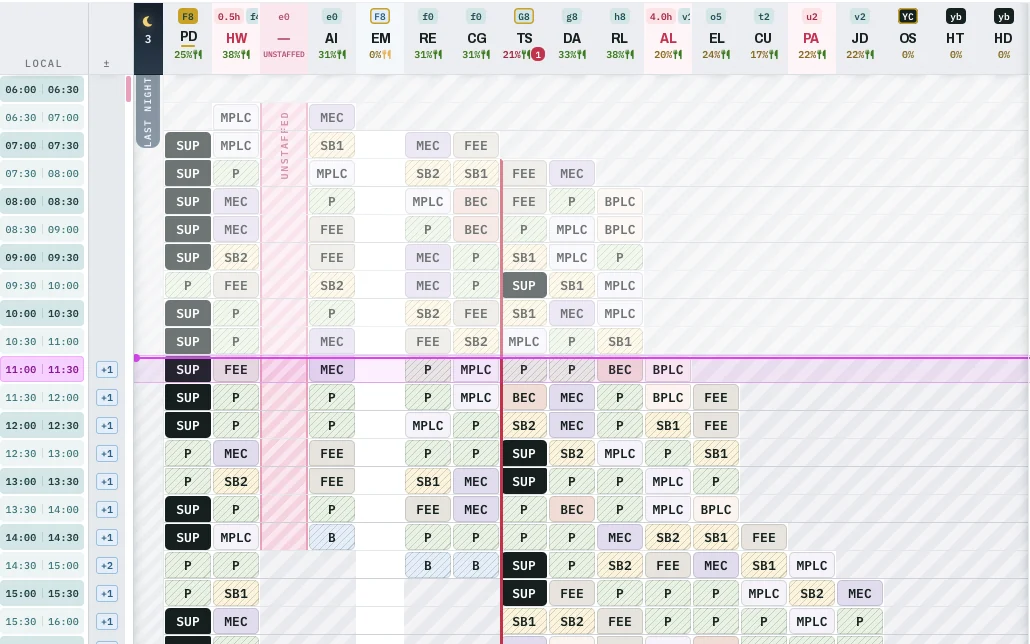
On screen at the push of a button.
Link a screen in the ops room once – by fixed link or pairing. From then on, one push on DISPLAY shows the current state there.
Built for
ATCAir Traffic ControlACC · APP · TWRPlatformRules for the roster
ATS.OR.320Rest, fatigue and duty limitsEU 2017/373Point by pointShift pattern, position plan and roster flow in on their own. The supervisor assigns positions by hand or with AUTO, adjusts them for the day, and puts the result on the ops-room display.
Sources
The day
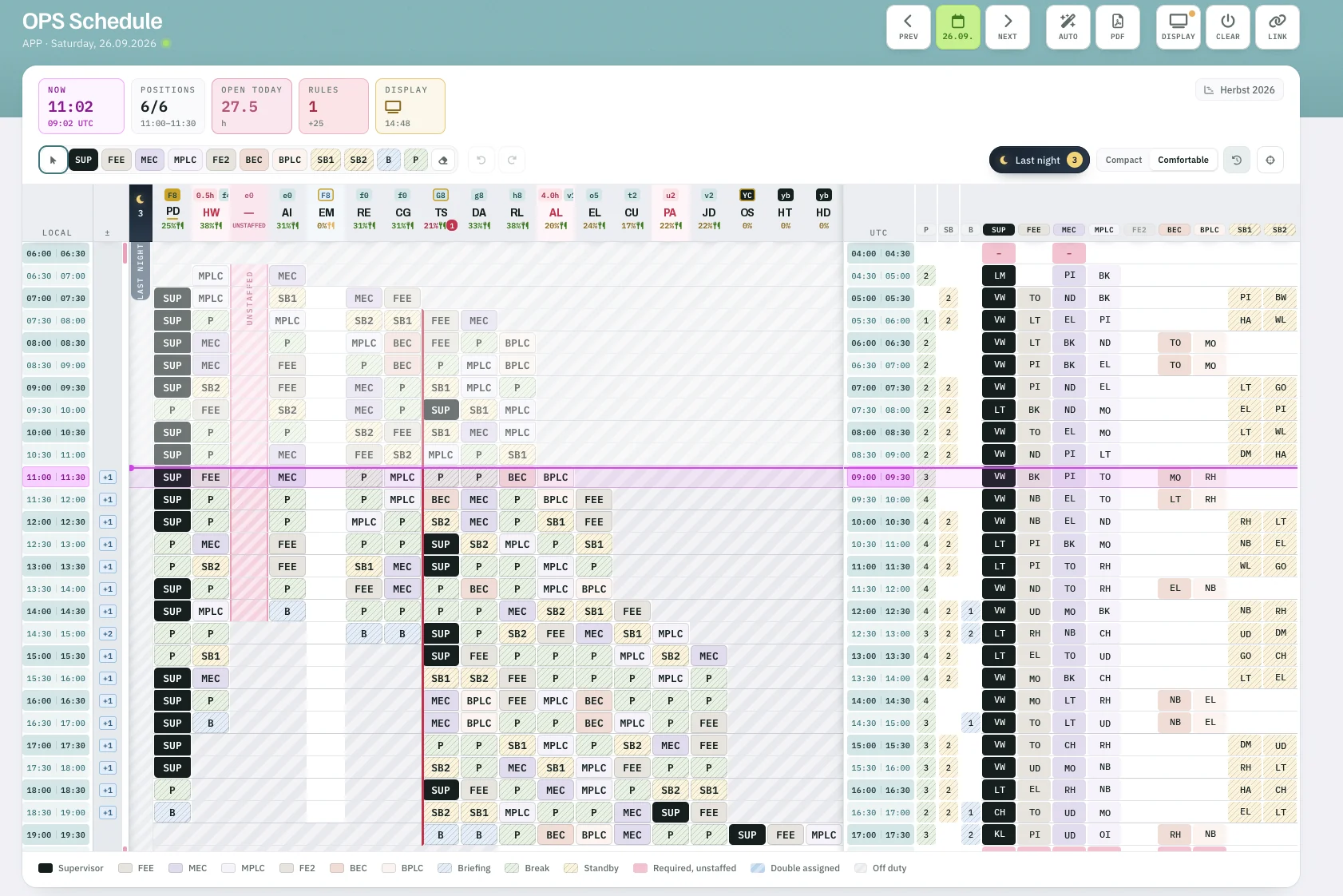
Drag over a period in a person’s column and pick the position; only positions the person holds every licence for are offered. Every change is saved immediately, and today and the days ahead stay open to change.
Automatic
Click AUTO, choose the period, and Rostify fills it by criteria we set up with you – EUROCONTROL guidance or your works agreements, for example. Manual entries always stay; automatic ones are marked and can be planned again.

Display & record
Link a screen in the ops room once – by fixed link or pairing. From then on, one push on DISPLAY shows the current state there.
In the background, the OPS schedule records each person’s working time at the CWP (Controller Working Position) – ready for evaluation.
OPS schedule