02 · ROSTERTime clock Every deviation from the plan, on record.
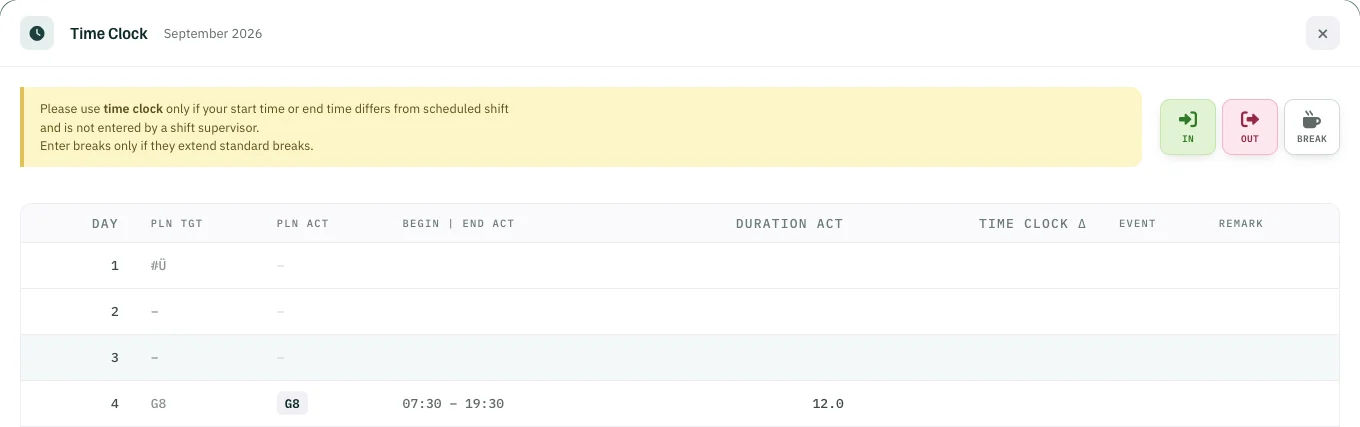
Rostify takes working time straight from the roster; the time clock records only what differs. Supervisors log late starts and early finishes, and when you switch it on for staff, they clock in and out themselves in My Roster.
- StaffWhen switched onClock in and out themselves.
- SupervisorAlwaysRecords time for anyone who comes later or leaves earlier.
Staff
Clock in and out yourself.
In My Roster in the browser: IN, OUT, or BREAK for a longer break. The difference goes straight into the time account.
- 1IN clock in
- 2OUT clock out
- 3BREAK only if it extends the standard break
Supervisor
Later in, earlier out.
Supervisors can always use it: they record who started later or left earlier, with a remark, and the difference lands in the time account.
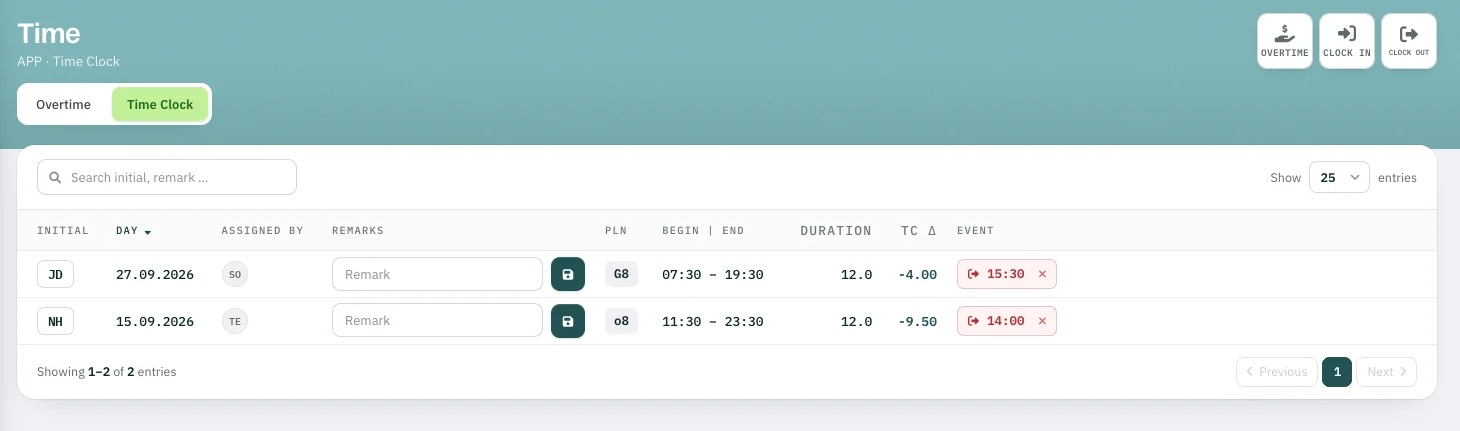
G8 · Planned 07:30–19:30
Time clock Δ −4.00 h
Clocked out 15:30
Time clock