03 · PLANPosition plan Draw the demand. Plan the season.
Draw which positions must be open, and when – in a 15-, 30- or 60-minute grid, once per season. Rostify turns it into the shifts you need.
Create
Sectors and positions.
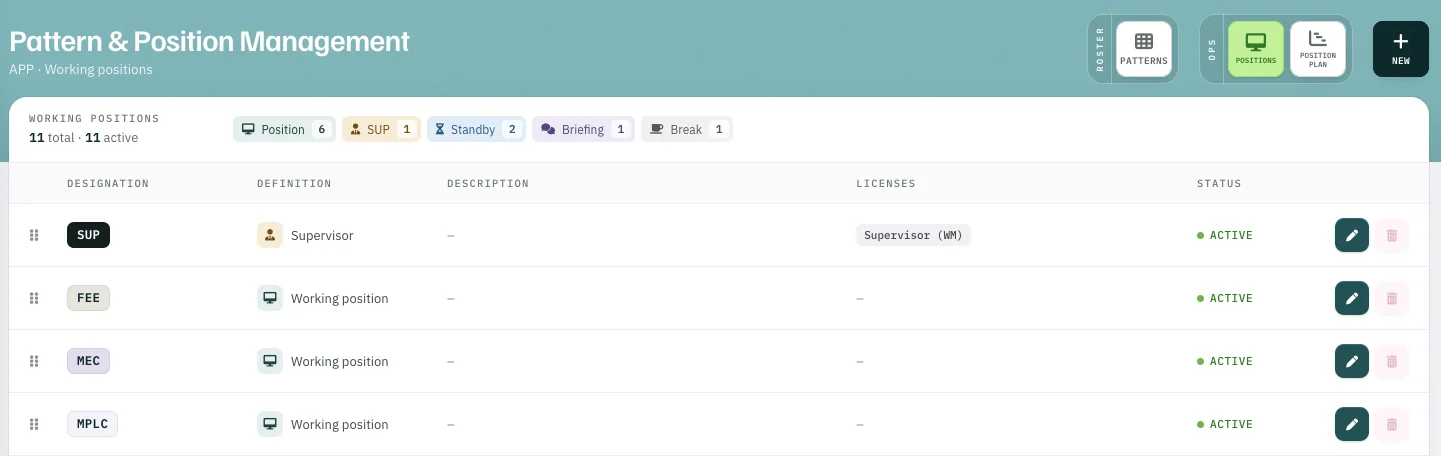
Set up your sectors and positions once, each with its type and the licences it requires. Later, only people who hold those licences are put on it.
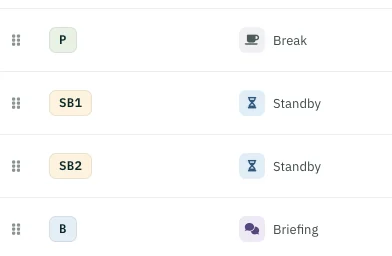
- Position
- SUP
- Standby
- Briefing
- Break
Place
Drag and drop, where needed.
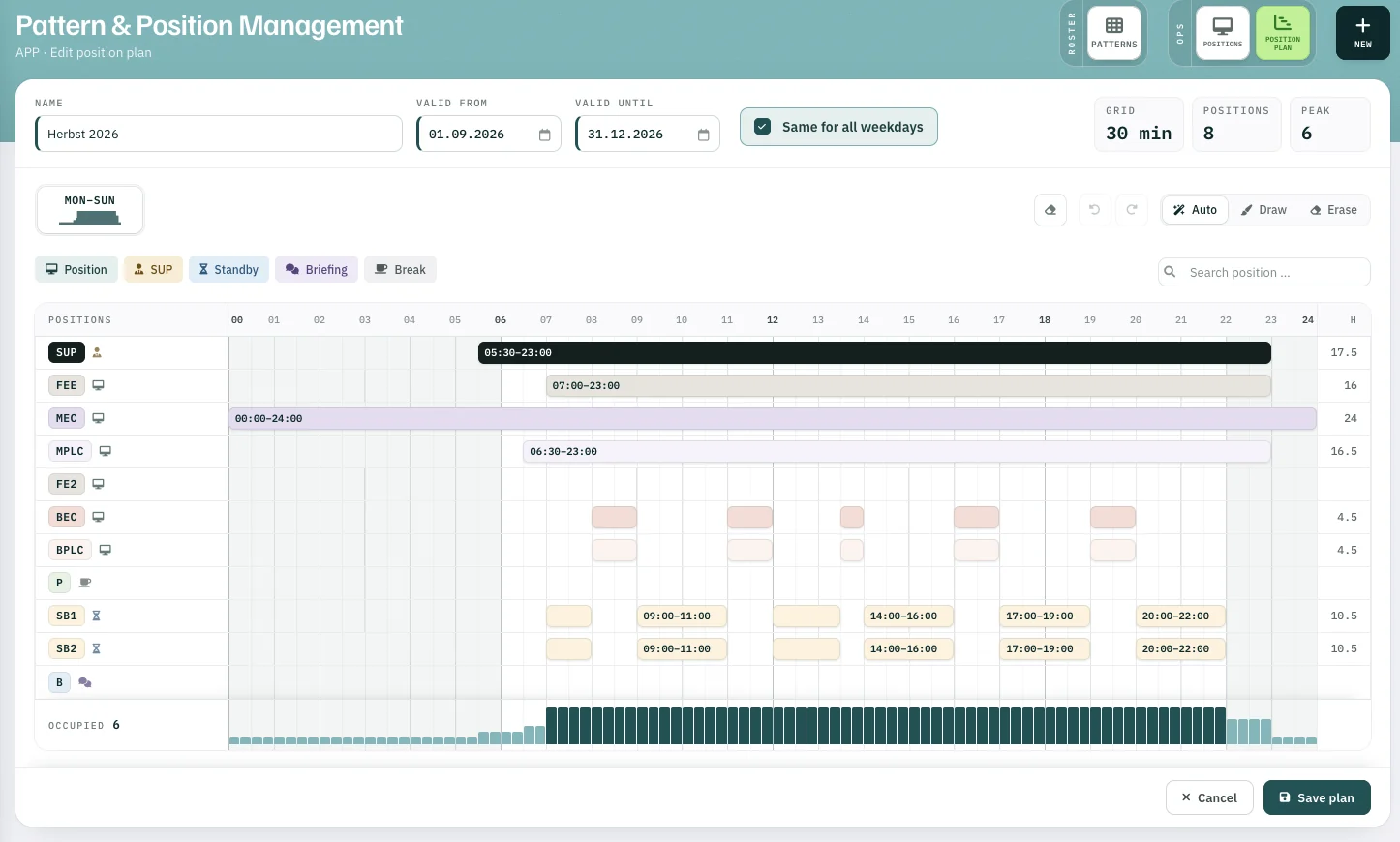
Drag across positions and time – with mouse, pen or finger. Plan every weekday separately or all of them the same, copy a finished day to the rest, and clone the plan for the next season.
- 1Auto · Draw · Erase place, draw and remove
- 2SUP 05:30–23:00 each bar is a staffed position
- 3Occupied positions staffed per time slot
What follows
One plan, two uses.
-
01
Proposalfor the OPS schedule – if you use the module. OPS schedule
-
02
Basis for calculationwhen Rostify calculates the optimal daily staff demand for the monthly roster. Optimal pattern calculation
Position plan